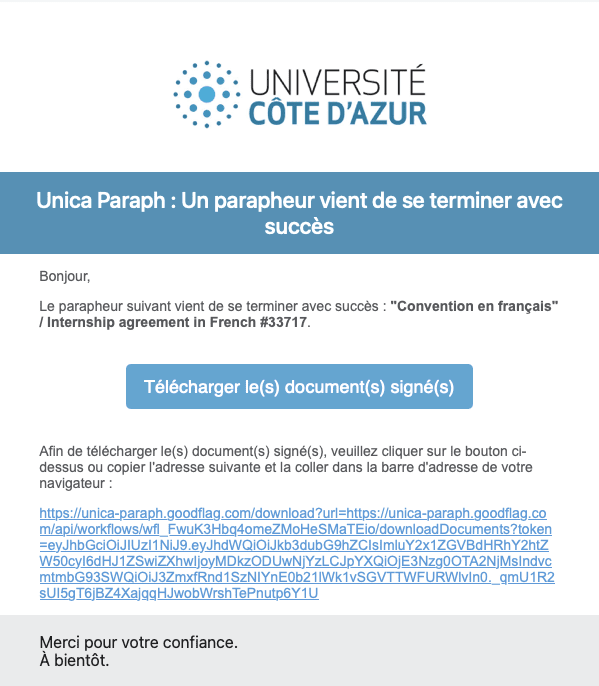
Thank you for accepting a student from Université Côte d’Azur for an internship. Internship agreements are now fully digital, from the initial declaration to the electronic signature.
Before you receive the email inviting you to sign the agreement, it is first approved by a teacher and by a member of the academic administration office.
Once the electronic signature process has been launched, you will receive an email from YouSign, our provider for certified electronic signatures.
Please note that the email may go to your spam folder. Do not hesitate to search for it using the sender name: “Unica Paraph” or “GoodFlag”.
This email contains a link inviting you to read and then sign the agreement.
Please note: if the link is not active, copy the link beginning with https:// and paste it into your web browser.
- Sender: no-reply@goodflag.com / Unica Paraph
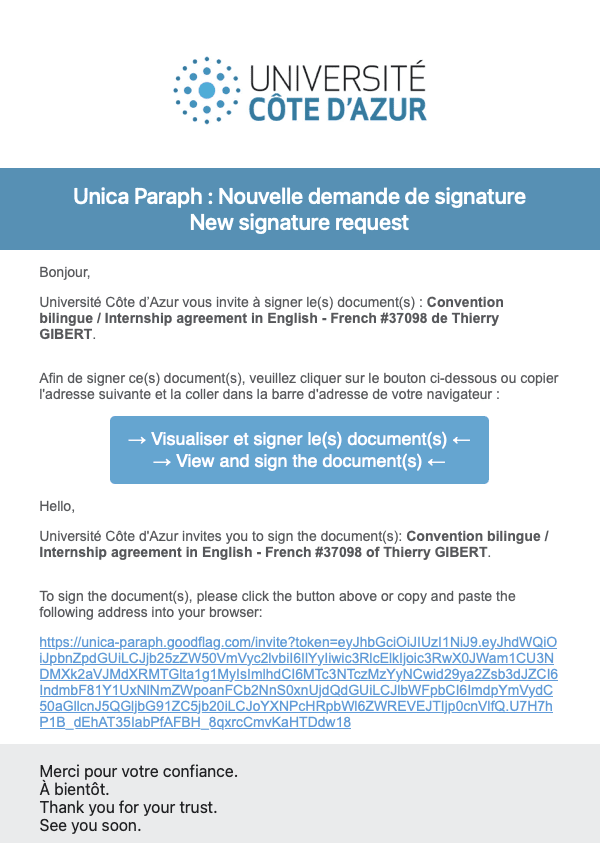
- Subject: Nouvelle demande de signature sur Unica Paraph.
Please note that the email may go to your spam folder. You can search for it using the sender name: “Unica Paraph” or “GoodFlag”.
This email contains a link inviting you to read and then sign the agreement.
Click on “View and sign the document” in the email. You will then be redirected to Unica Paraph, a digital certification platform.
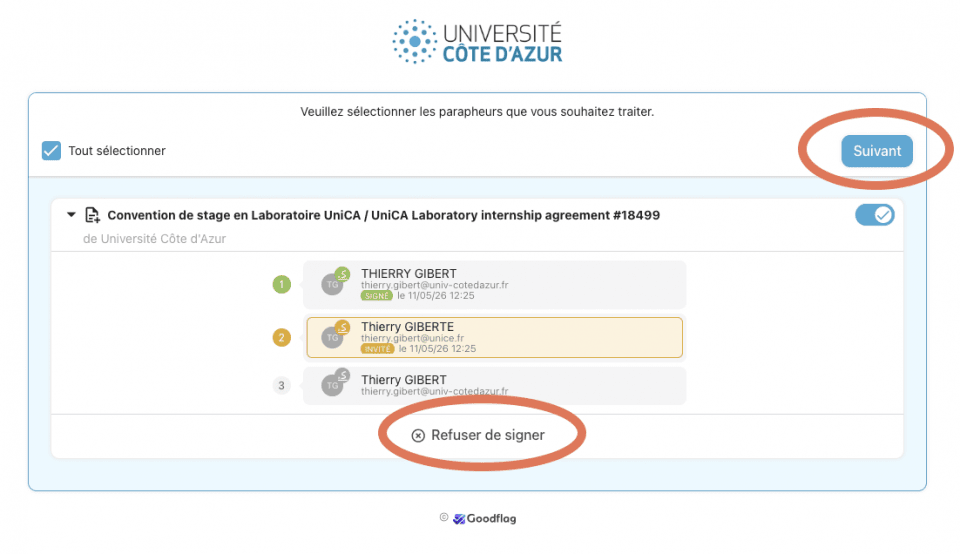
You can sign all the signature folders you have pending on Unica Paraph.
To do so, select all the documents you wish to sign, then click Next.
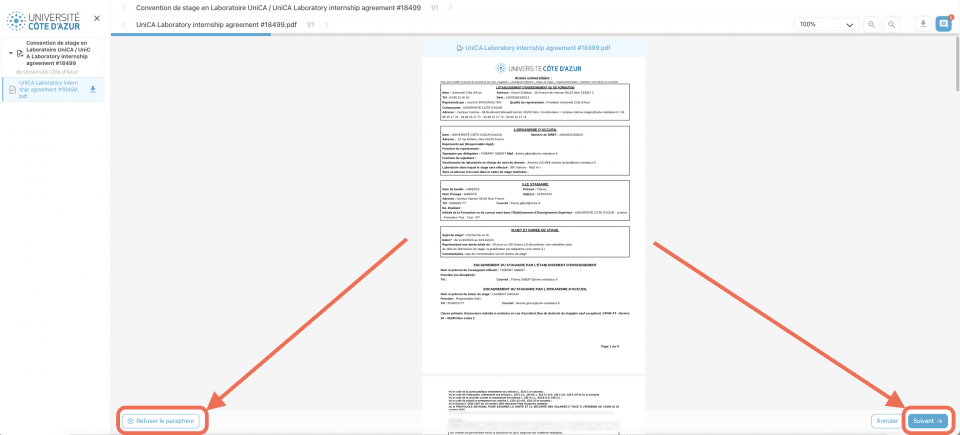
If you wish to review the internship agreement, you will find all the information previously entered by the student.
To sign
Simply click Next.
To refuse
If you wish to refuse the agreement, click “Refuse the signature folder” and explain the reason for your refusal so that the student or the administration can understand your feedback and amend the agreement accordingly.
The consent page will open. Click “I consent…” to receive the verification code.
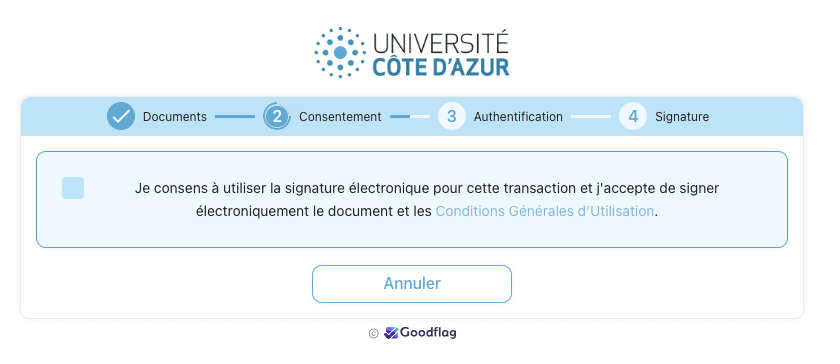
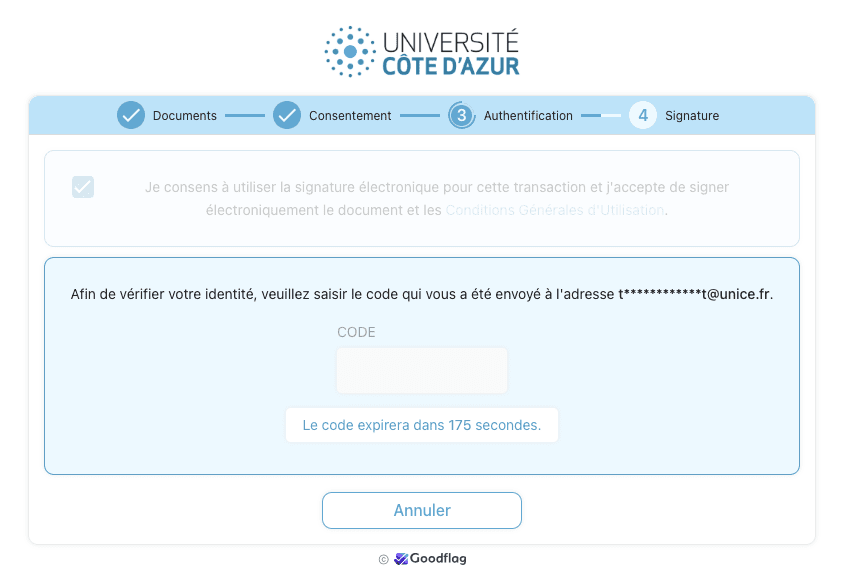
By default, you will receive your verification code by email. In some specific cases, it may be sent to your mobile phone.
Enter the verification code received by email.
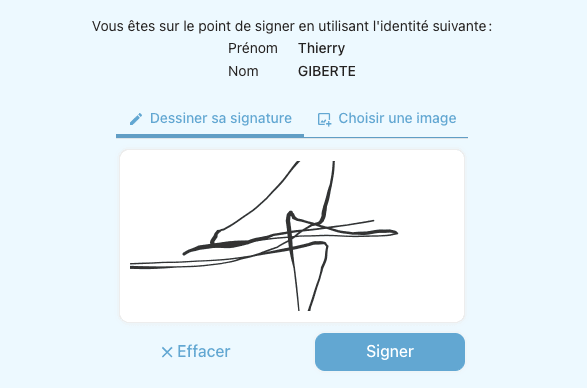
Once your code has been entered, choose whether you want to draw your signature or upload an image of your signature.
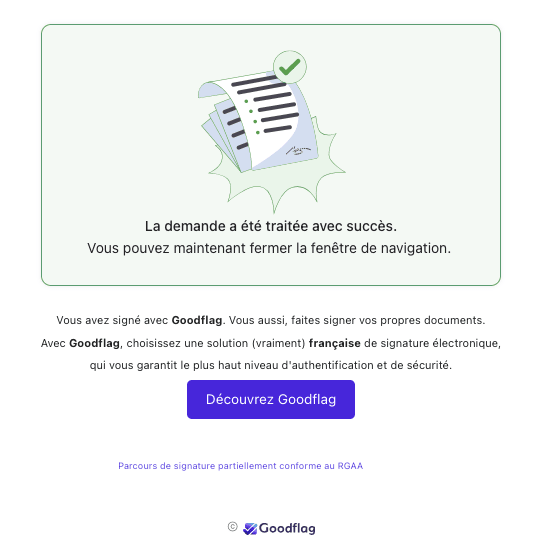
Your agreement is now digitally signed. The next signatory has just received an email inviting them to sign the internship agreement in turn.
You will receive an email once all required signatures have been completed, together with the signed agreement.